How to Import Recipes from YouTube
On Android, open a YouTube recipe Short, tap Share, choose More, then select BonApp! from the device share sheet to send its link for import.
Using the Android Share menu
The screenshots show the Android sharing flow for YouTube. Menu options can vary by app version and device.
Open the YouTube recipe
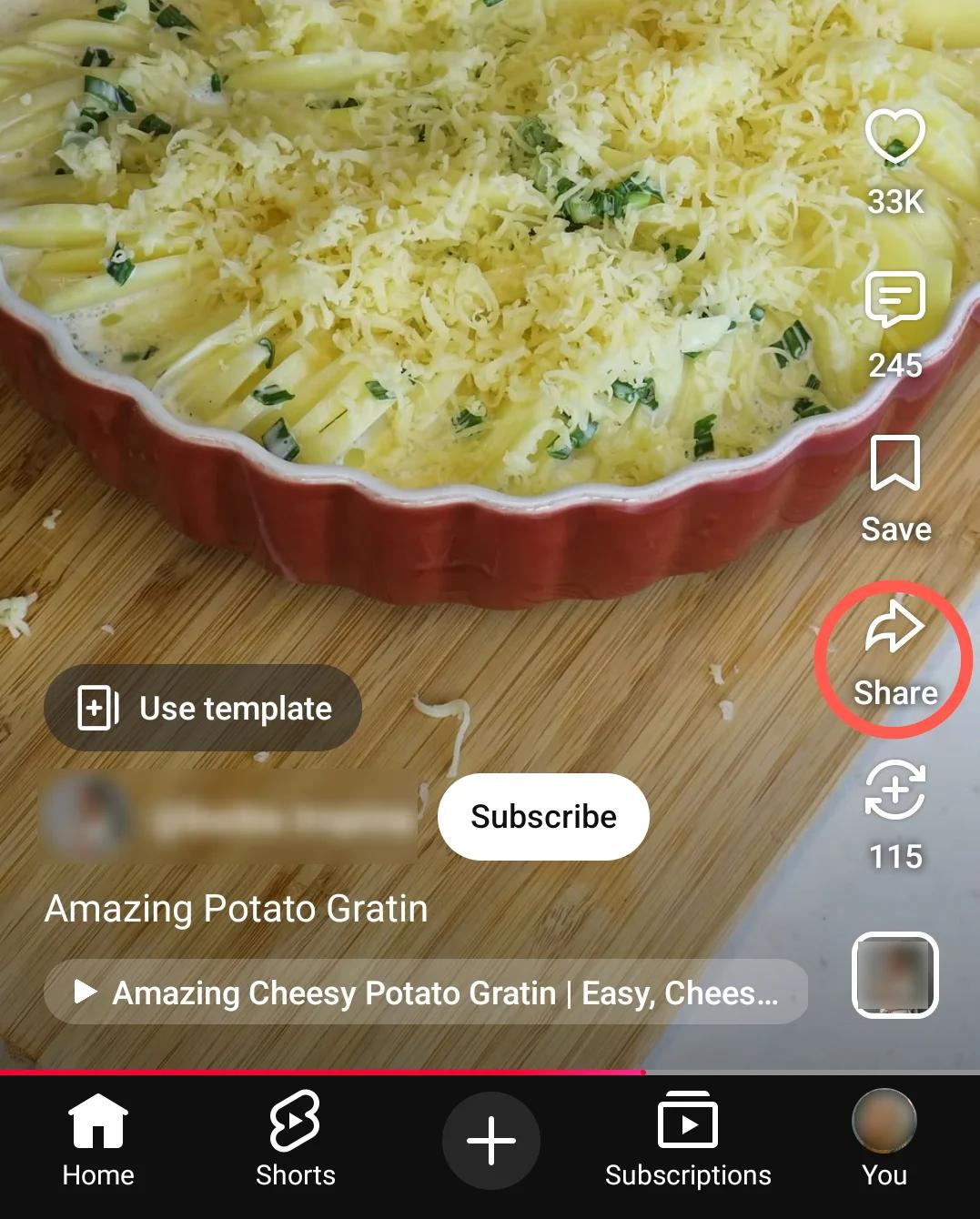
Open a YouTube Short with a recipe and tap Share.
Open the device sharing options
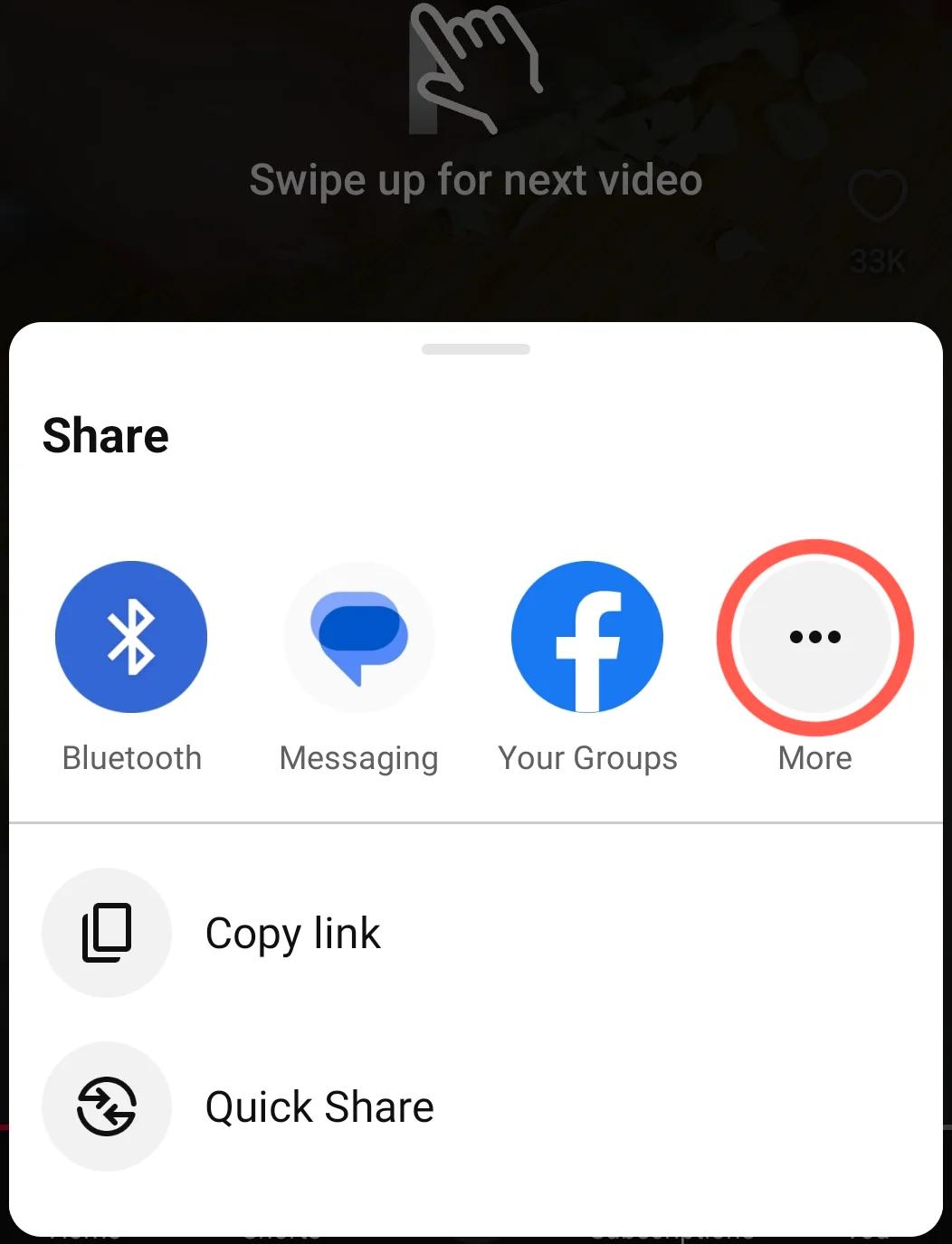
Tap More in the YouTube sharing panel to display additional apps.
Choose BonApp!
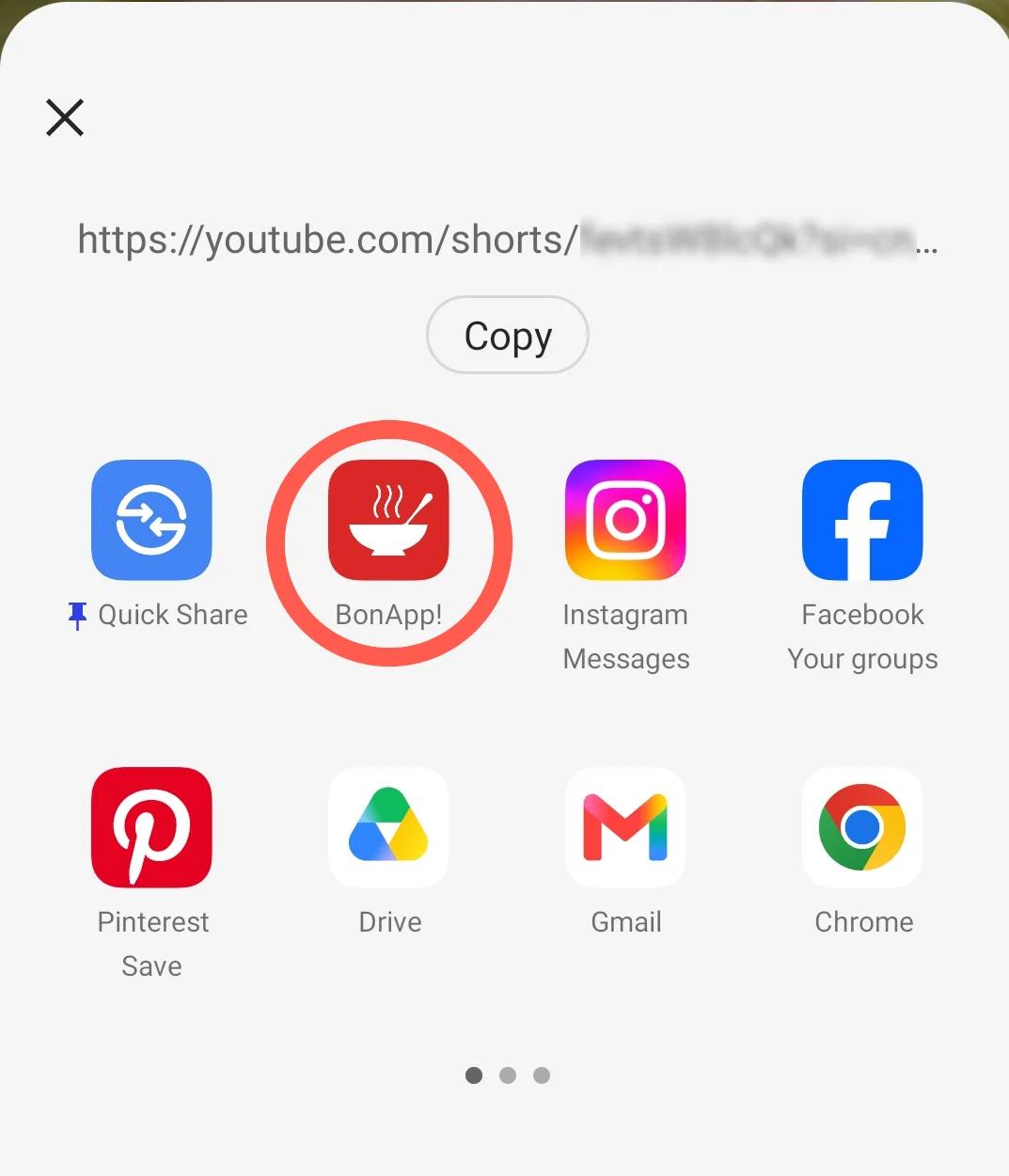
Select BonApp! from the device share sheet to send the video link to the app.
Related articles
How-to
How to import recipes into BonApp?BonApp! helps you gather and organize the recipes you love into one place, by providing tools to import from social media, websites, cookbooks, or by typing or pasting text to create from scratch!
How-to
How to Import Recipes from PinterestOn Android, open a recipe Pin, tap Share, choose More if needed, then select BonApp! from the device share sheet to send its link for import.
How-to
How to Import Recipes from TikTokOn Android, open a TikTok recipe video, tap the Share arrow, choose More, then select BonApp! from the device share sheet to send its link for import.