How to create a meal plan with BonApp!
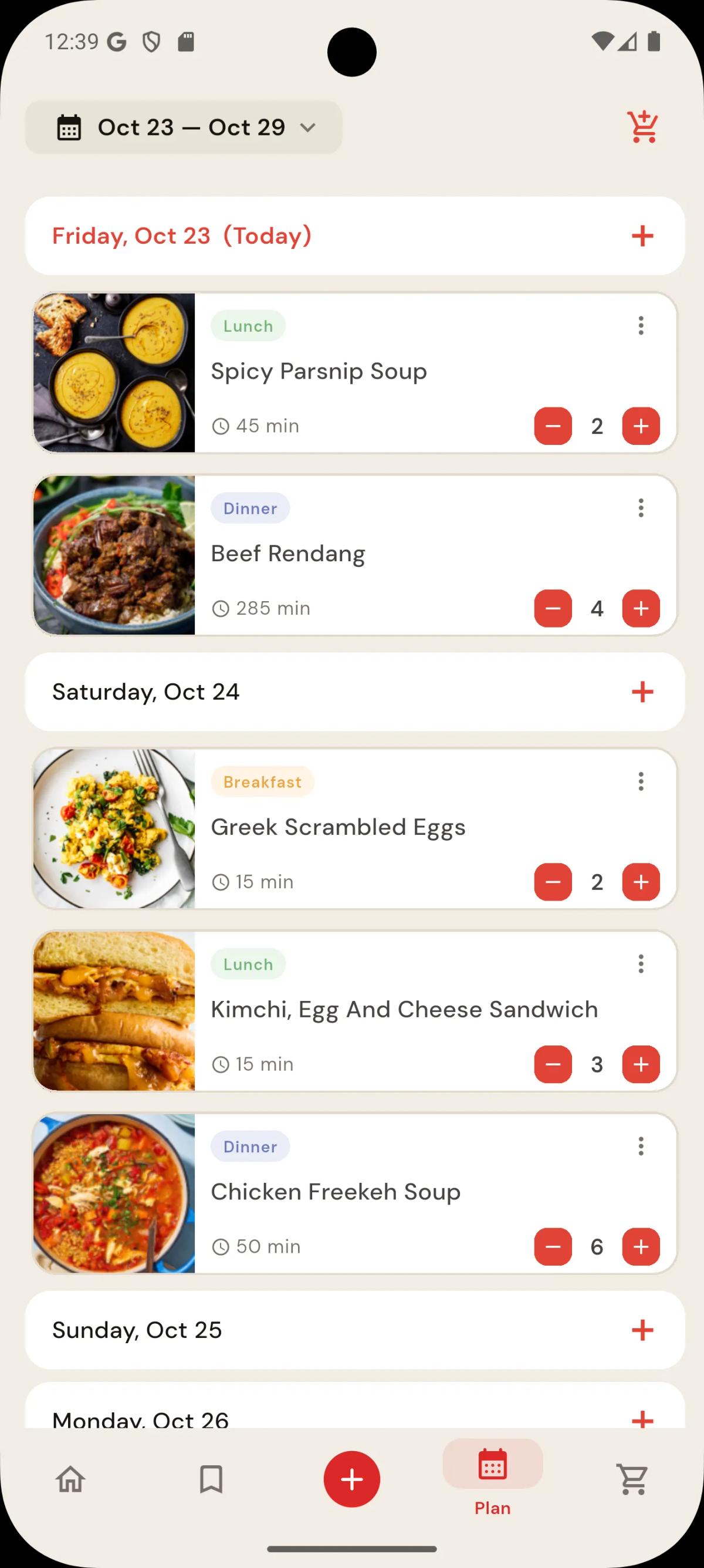
Add meals to the meal plan either directly from the recipe item itself, or by selecting the (+) icon on the right of the date tile in the meal plan page. Then simply drag and drop meals to balance your week, and adjust servings and meal types to complete your plan!
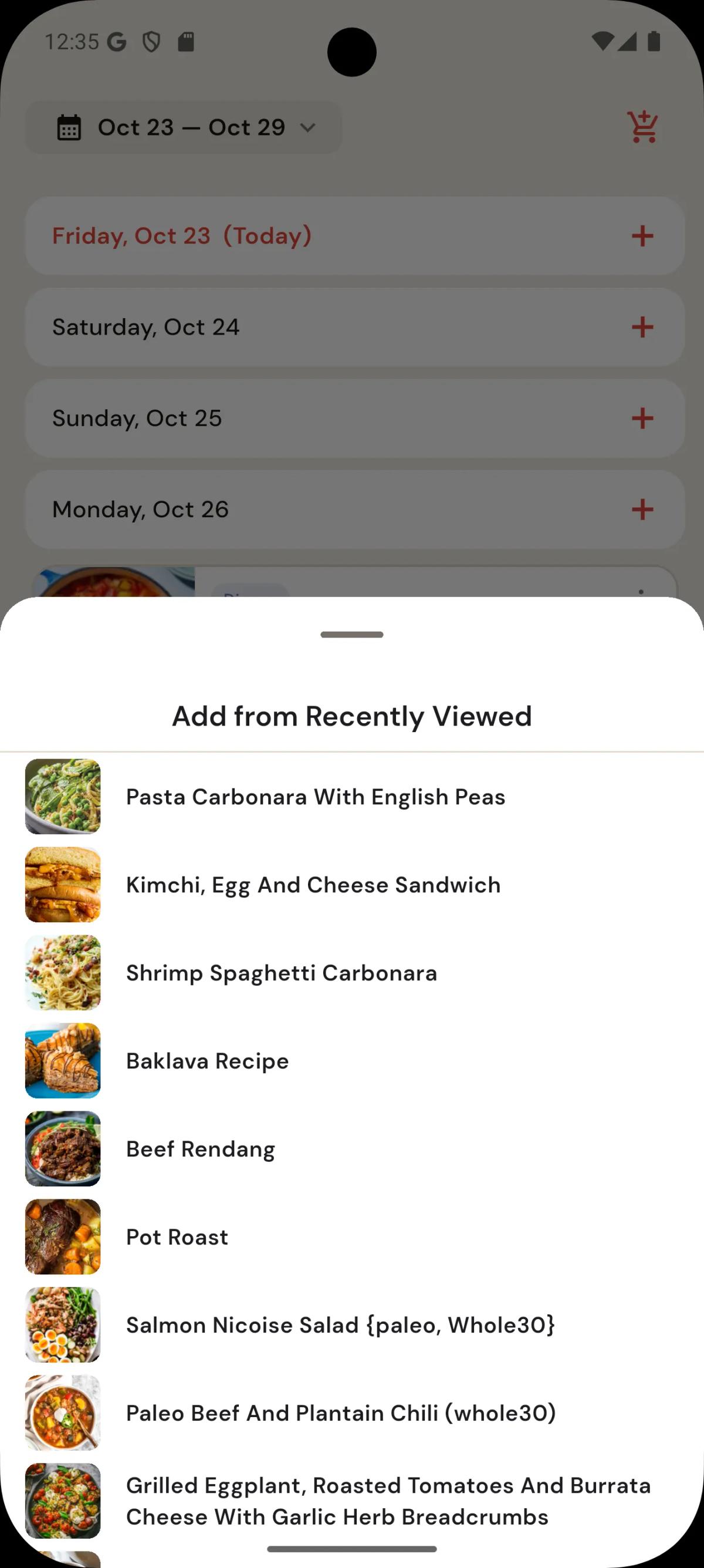
Add meals by pressing the (+) icon on the right of a date tile, and select a meal from the recently viewed sheet. Alternatively, from the recipe view, add to the meal plan from the menu on the top right corner of the recipe item.
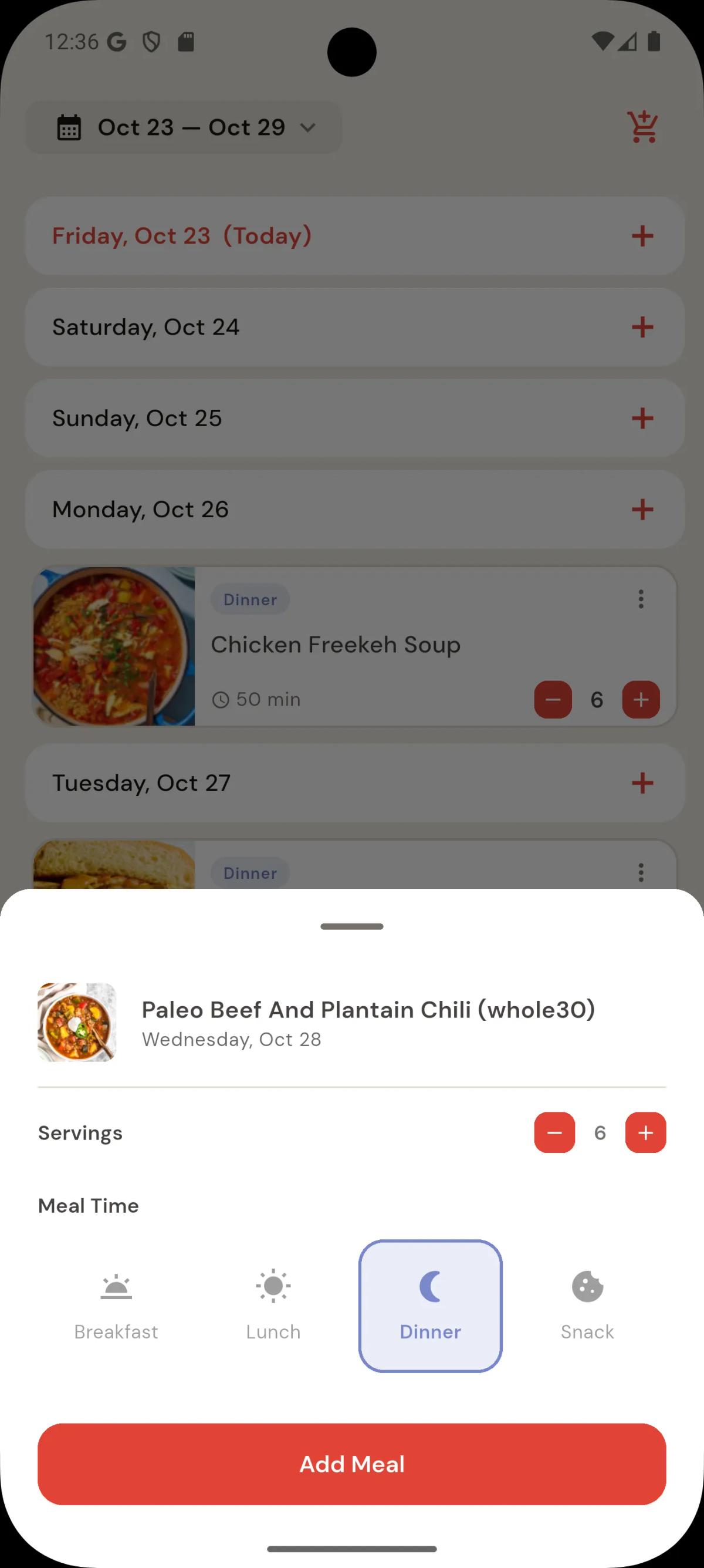
Select the meal type - breakfast - lunch - dinner etc. and the number of servings.
Drag and drop the meal items into place, adjust the servings, and then create your shopping list for the week!
Related articles
Plan & Shop Guide
How does BonApp! create shopping lists automatically?BonApp! generates grocery lists from meal plans and individual recipes, adjusts quantities for serving sizes, groups items by aisle or recipe, and convert amounts.