How to print recipes
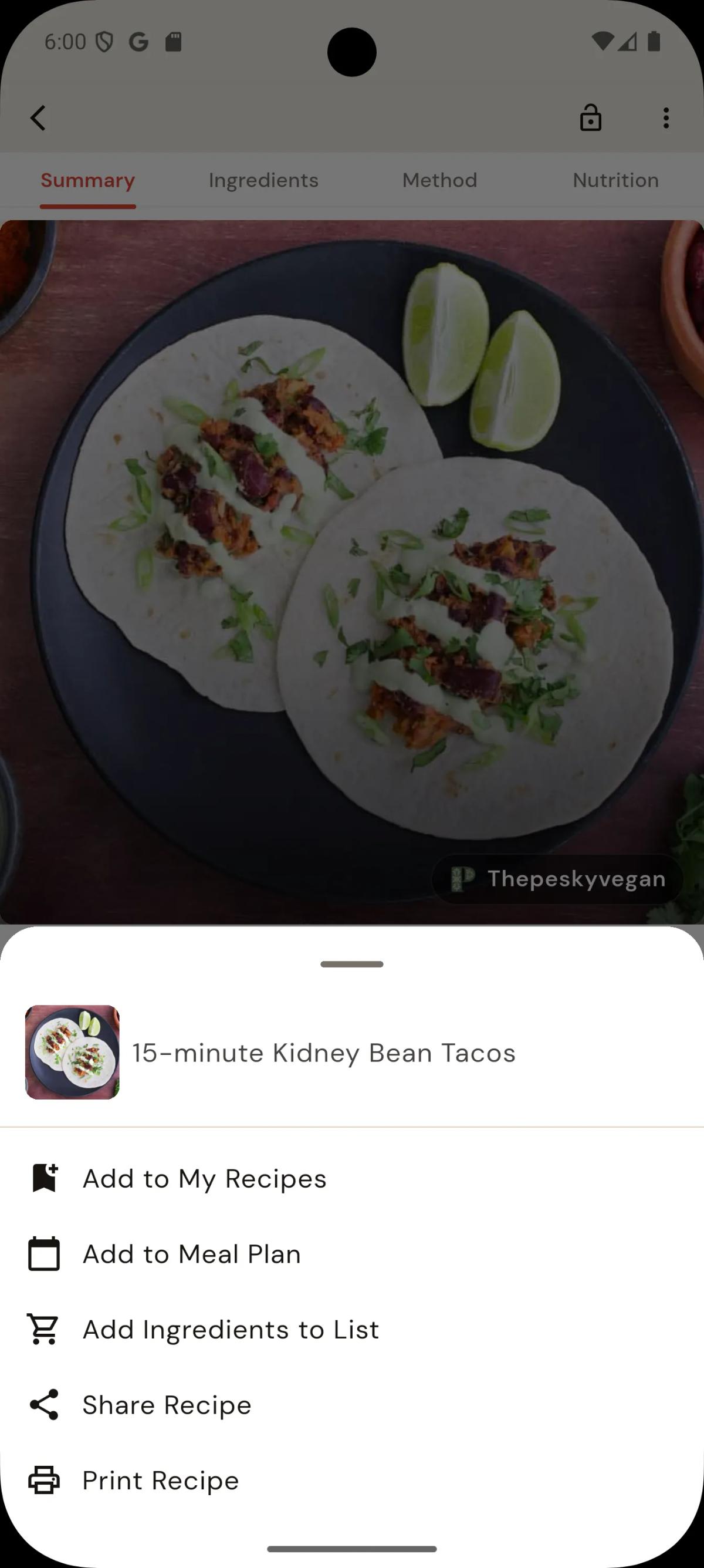
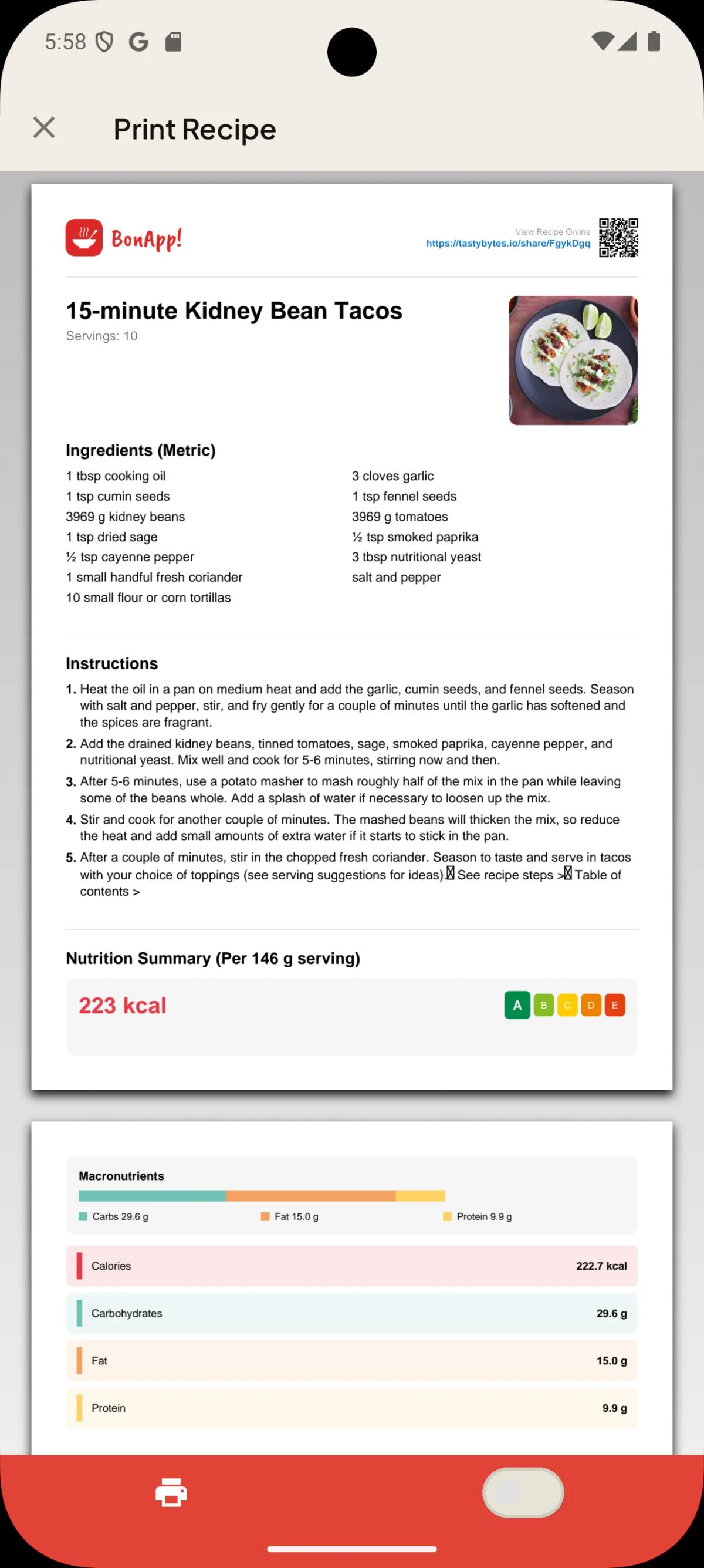
Print the recipe from the Recipe Page menu, directly to your printer over WiFi from your phone or tablet.
- To print a recipe, open the recipe page menu and select “Print recipe”.
2. Check the recipe, select the printer or PDF, and tap printer icon on the bottom navigation bar.
Requirements & Troubleshooting:
- Connection: Ensure your mobile device and printer are connected to the same Wi-Fi network.
- Supported Devices: Works with iOS AirPrint and Android Print Service. You can also select "Save as PDF" to store a local copy.
Updated 10/26/2026
Did this article help?
Related articles
Sharing, Printing & Export Guide
How to Share RecipesOn any recipe, press the "Share" icon and select a sharing option from the share sheet.